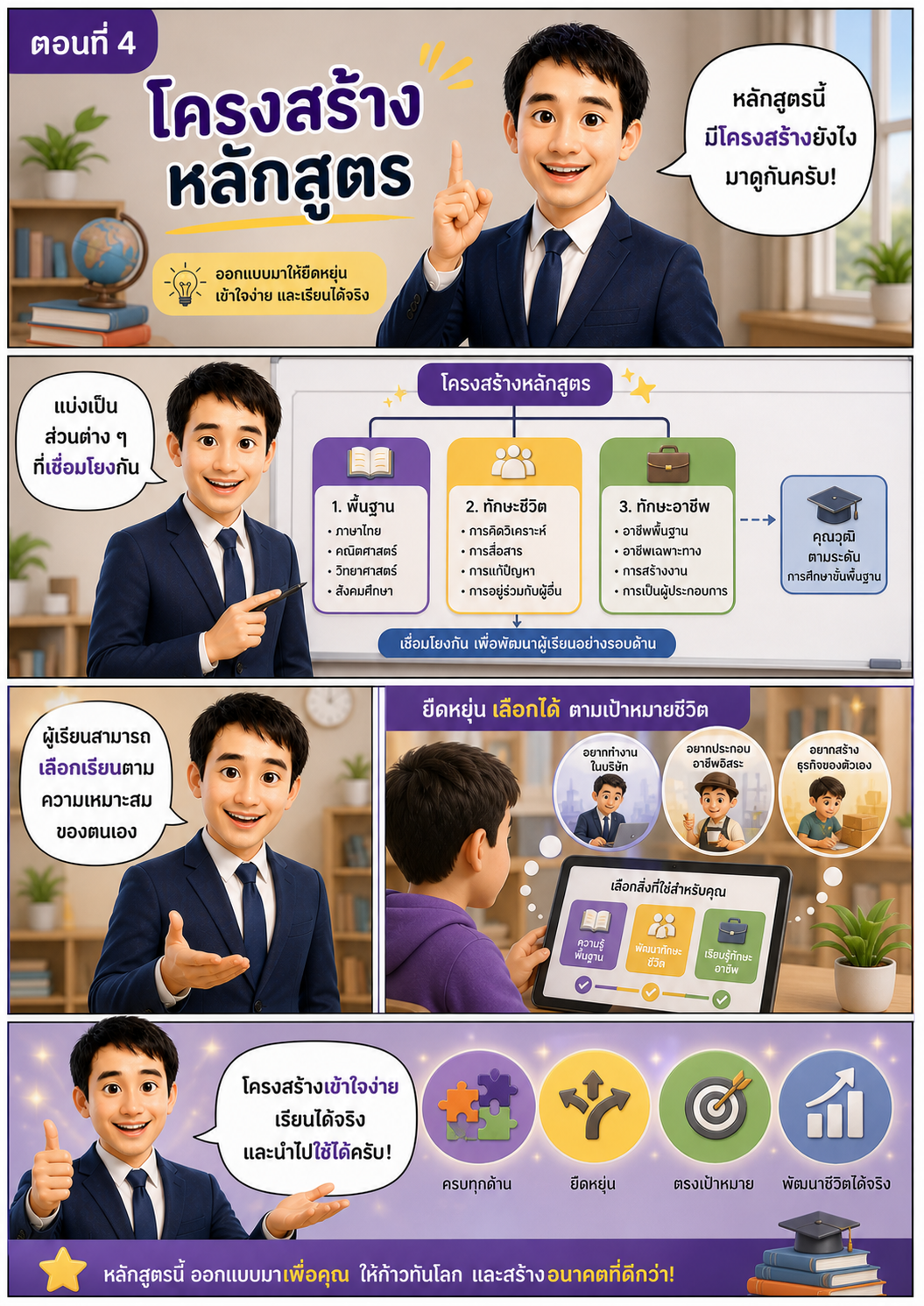
ตอนที่ 4 โครงสร้างหลักสูตร
ℹ️ คำแนะนำ
- 1เปิด Gemini หรือ AI ที่คุณใช้งาน
- 2อัพโหลดภาพ (ถ้ามี)
- 3คัดลอก Prompt โดยคลิกปุ่ม "คัดลอก" ด้านล่าง
⌨️ Prompt Command
คัดลอก
Create a Pixar-style 3D comic strip illustration, A4 vertical (210x297 mm), Thai educational content.
IMPORTANT:
Use the provided reference image as the exact face.
Preserve facial structure, hairstyle, skin tone, and identity 100%.
Do NOT change the face. Ensure same character, same outfit, consistent identity across episodes.
Character:
Thai male teacher, navy blue suit, white shirt, dark blue tie, professional, friendly, confident.
Style:
Pixar 3D, ultra detailed, cinematic lighting, soft shadows, modern educational design.
Theme color: purple, yellow, white.
Layout:
Comic strip, 4–5 panels, clean, structured, easy to read.
Title:
“ตอนที่ 4: โครงสร้างหลักสูตร”
Scene 1 (Top panel):
Teacher standing next to a big board or screen with diagram
Speech bubble:
“หลักสูตรนี้มีโครงสร้างยังไง มาดูกันครับ!”
Scene 2:
Diagram style (simple, colorful blocks or flowchart)
Sections:
- พื้นฐาน (Basic)
- ทักษะชีวิต (Life Skills)
- ทักษะอาชีพ (Career Skills)
Teacher pointing at diagram
Text:
“แบ่งเป็นส่วนต่าง ๆ ที่เชื่อมโยงกัน”
Scene 3:
Teacher explaining with hand gesture
Speech:
“ผู้เรียนสามารถเลือกเรียนตามความเหมาะสมของตนเอง”
Scene 4:
Visual: student choosing path (like selecting subjects or modules)
Icons: book / skill / career
Text:
“ยืดหยุ่น เลือกได้ ตามเป้าหมายชีวิต”
Scene 5 (Bottom):
Teacher smiling confidently, background glow, organized icons floating
Speech:
“โครงสร้างเข้าใจง่าย เรียนได้จริง และนำไปใช้ได้ครับ!”
Make it visually structured, clean infographic style, easy to understand.
Ensure Thai text is clear and readable.
8k, ultra detailed, depth of field, soft lighting.