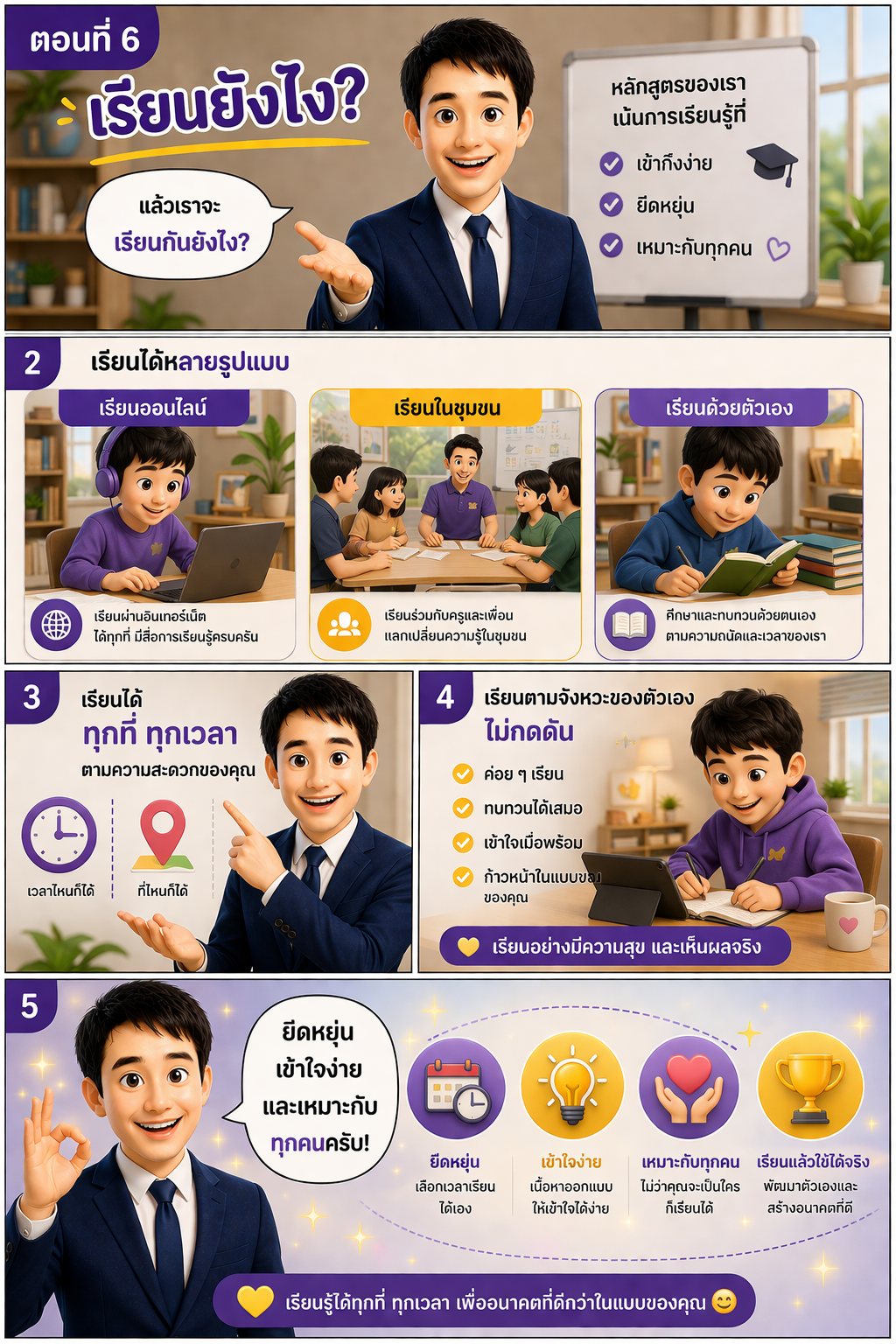
ตอนที่ 6: เรียนยังไง?
ℹ️ คำแนะนำ
- 1เปิด Gemini หรือ AI ที่คุณใช้งาน
- 2อัพโหลดภาพ (ถ้ามี)
- 3คัดลอก Prompt โดยคลิกปุ่ม "คัดลอก" ด้านล่าง
⌨️ Prompt Command
คัดลอก
Create a Pixar-style 3D comic strip illustration, A4 vertical (210x297 mm), Thai educational content.
IMPORTANT:
Use the provided reference image as the exact face.
Preserve facial structure, hairstyle, skin tone, and identity 100%.
Do NOT change the face.
Ensure same character, same outfit, consistent identity across episodes.
Character:
Thai male teacher, navy blue suit, white shirt, dark blue tie, friendly, energetic, approachable.
Style:
Pixar 3D, ultra detailed, cinematic lighting, soft shadows, modern infographic style.
Theme color: purple, yellow, white.
Layout:
Comic strip, 4–5 panels, clean, easy to read.
Title:
“ตอนที่ 6: เรียนยังไง?”
Scene 1 (Top panel):
Teacher smiling, open hand gesture
Speech:
“แล้วเราจะเรียนกันยังไง?”
Scene 2:
Show 3 learning modes (side by side):
- เรียนออนไลน์ (student using laptop/tablet)
- เรียนในชุมชน (group learning with teacher)
- เรียนด้วยตัวเอง (reading / self-study)
Text:
“เรียนได้หลายรูปแบบ”
Scene 3:
Teacher pointing to icons (clock + location)
Speech:
“เรียนได้ทุกที่ ทุกเวลา ตามความสะดวกของคุณ”
Scene 4:
Student happily learning at own pace (relaxed, smiling)
Text:
“เรียนตามจังหวะของตัวเอง ไม่กดดัน”
Scene 5 (Bottom):
Teacher confident pose, background glowing with icons
Speech:
“ยืดหยุ่น เข้าใจง่าย และเหมาะกับทุกคนครับ!”
Make scenes warm, flexible lifestyle feeling, modern learning vibe.
Ensure Thai text is clear and readable.
8k, ultra detailed, depth of field, soft lighting.